
LumenDocumentation
Website
Browse documentation

A visual walkthrough

Screenshots of setup, Today, search, meetings, memory, and settings, rendered from the app with synthetic data.

On this page

These screenshots are Lumen's real interface, rendered on 18 October 2026 with synthetic data and the built-in sample meeting. Names marked "(synthetic)" are invented. Your copy may look slightly different as the preview changes.

Set up in one step#
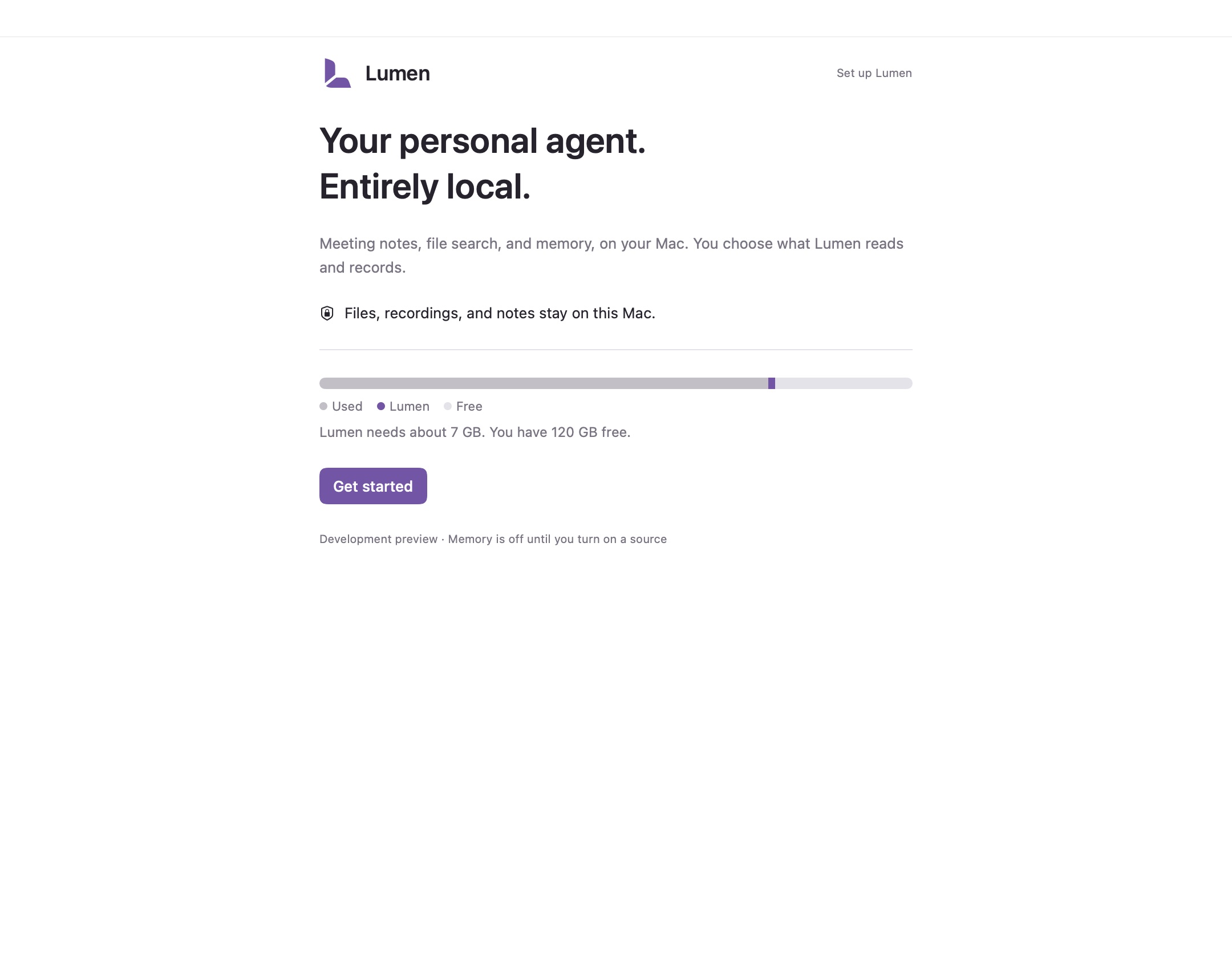
Lumen's setup screen with a Get started button and a storage bar showing how much space the models need.
Setup: one click, with a storage barApp views rendered with synthetic data · 18 Oct 2026

Choose Get started. Lumen downloads its models once from Hugging Face while you choose folders and permissions. The storage bar shows how much space it needs and what's free. Keyword search and the sample meeting work right away.
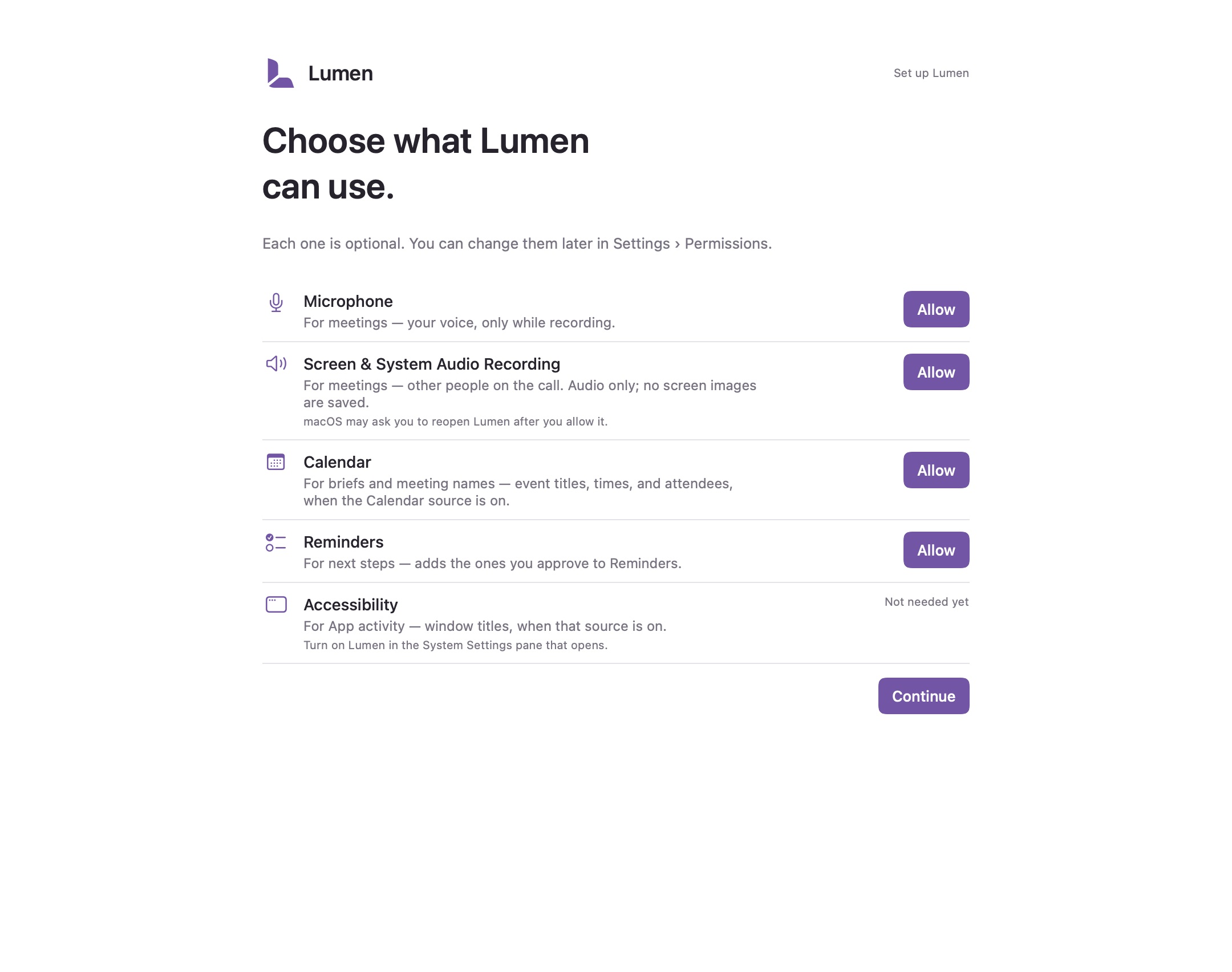
The Permissions step, listing each permission with a one-line reason and its own Allow button.
Permissions: each optional, each explainedApp views rendered with synthetic data · 18 Oct 2026

Every permission is optional and explained in one line. Allowing one doesn't turn on memory or start a recording. See Privacy and permissions.

See where your day went#
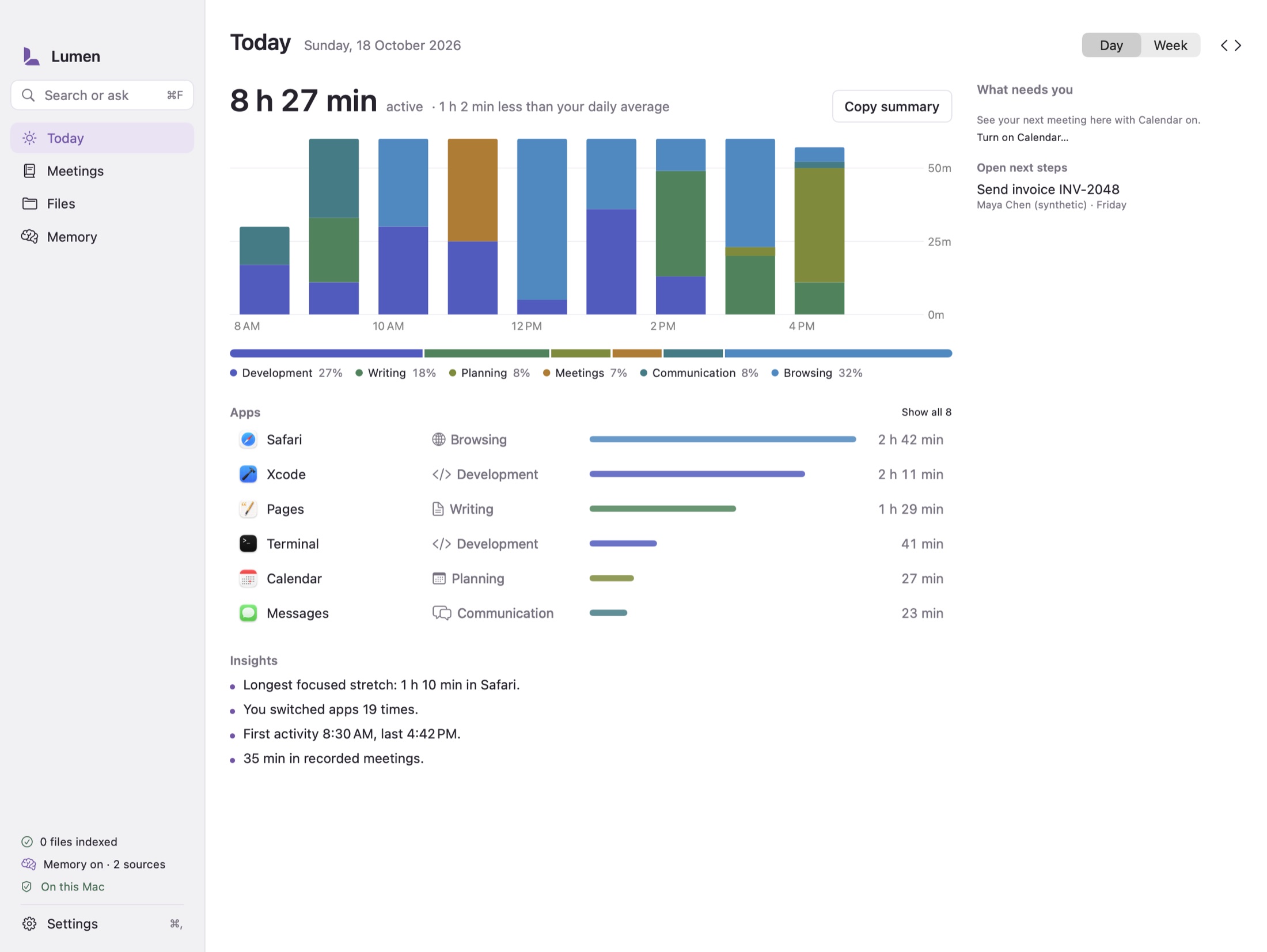
The Today dashboard: active time, a stacked chart by category, top apps with icons, and insights. Synthetic data.
Today, with synthetic app activityApp views rendered with synthetic data · 18 Oct 2026

With app activity turned on, Today shows your active time by category, app, and project. App activity is off until you turn it on. See Memory and Ask Lumen.

Find anything with ⌘K#
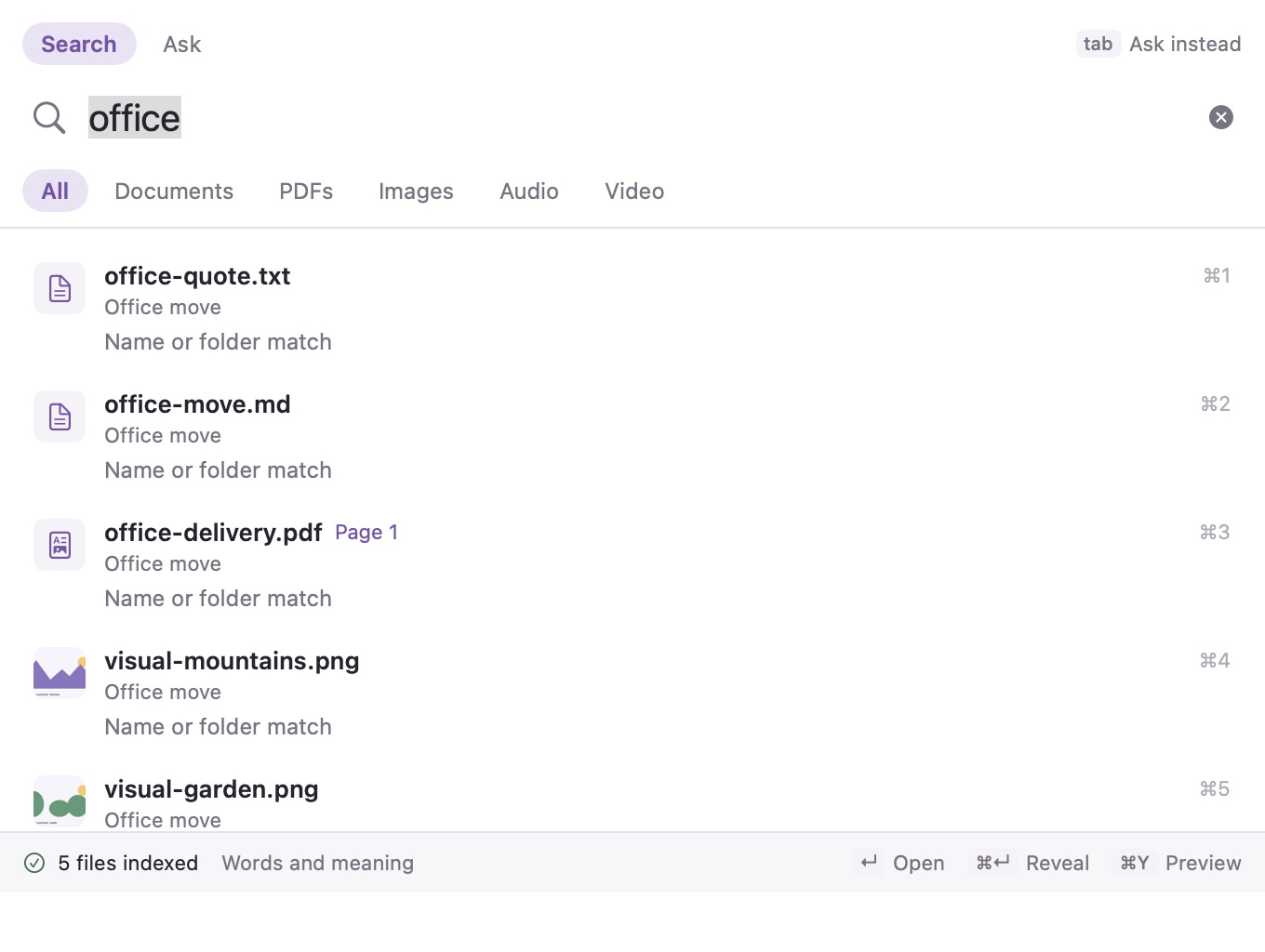
The Search or ask bar with results from synthetic files.
Search or ask (⌘K), synthetic filesApp views rendered with synthetic data · 18 Oct 2026

Search or ask searches your chosen folders and meetings as you type. Press Tab to ask a question instead. See Find files and information.

Meetings#
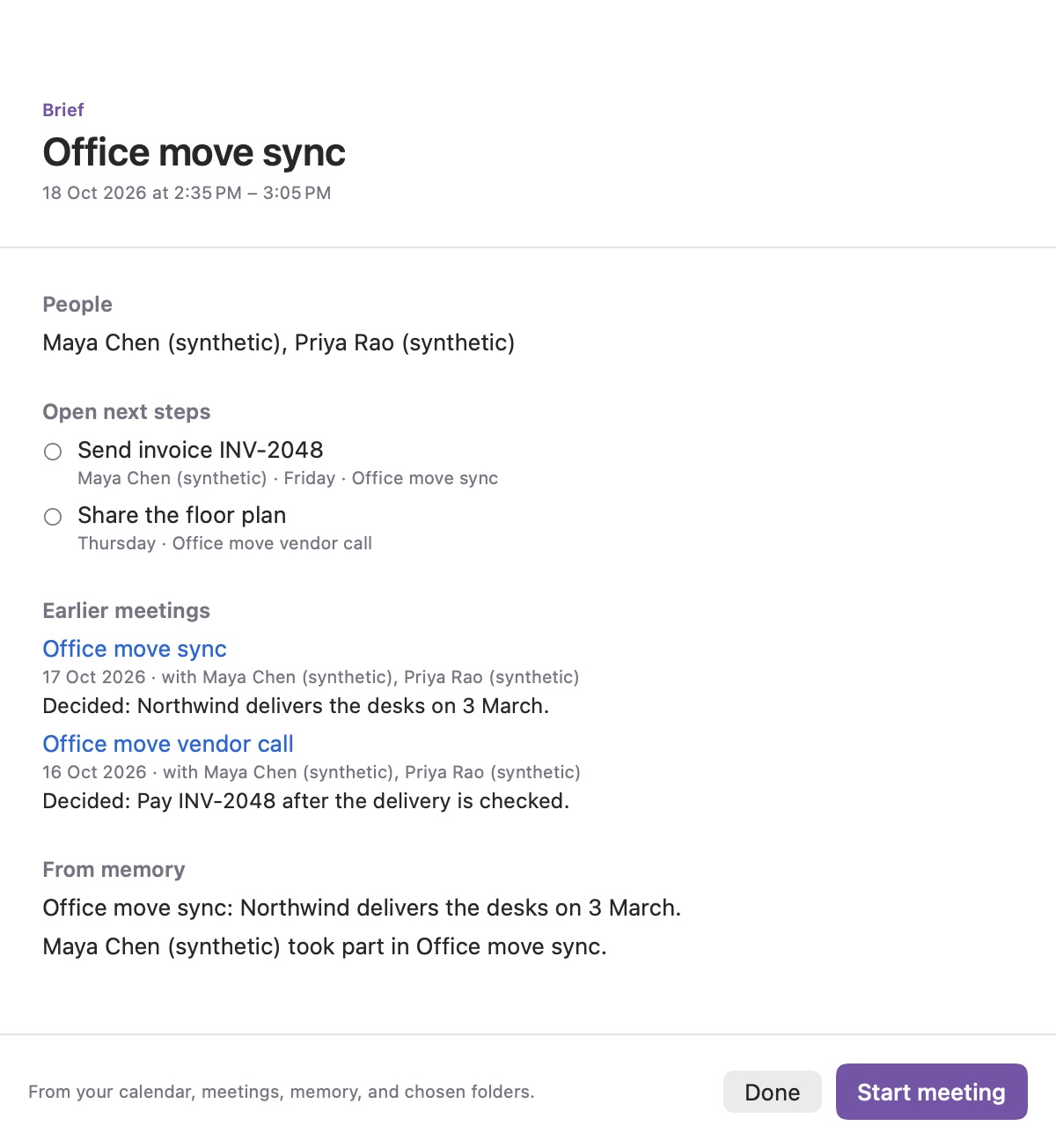
A meeting brief with people, open next steps, earlier meetings, and related memory. Synthetic meetings.
A meeting brief, synthetic meetingsApp views rendered with synthetic data · 18 Oct 2026

Before a meeting, the brief shows who's coming, open next steps, and what you decided last time.
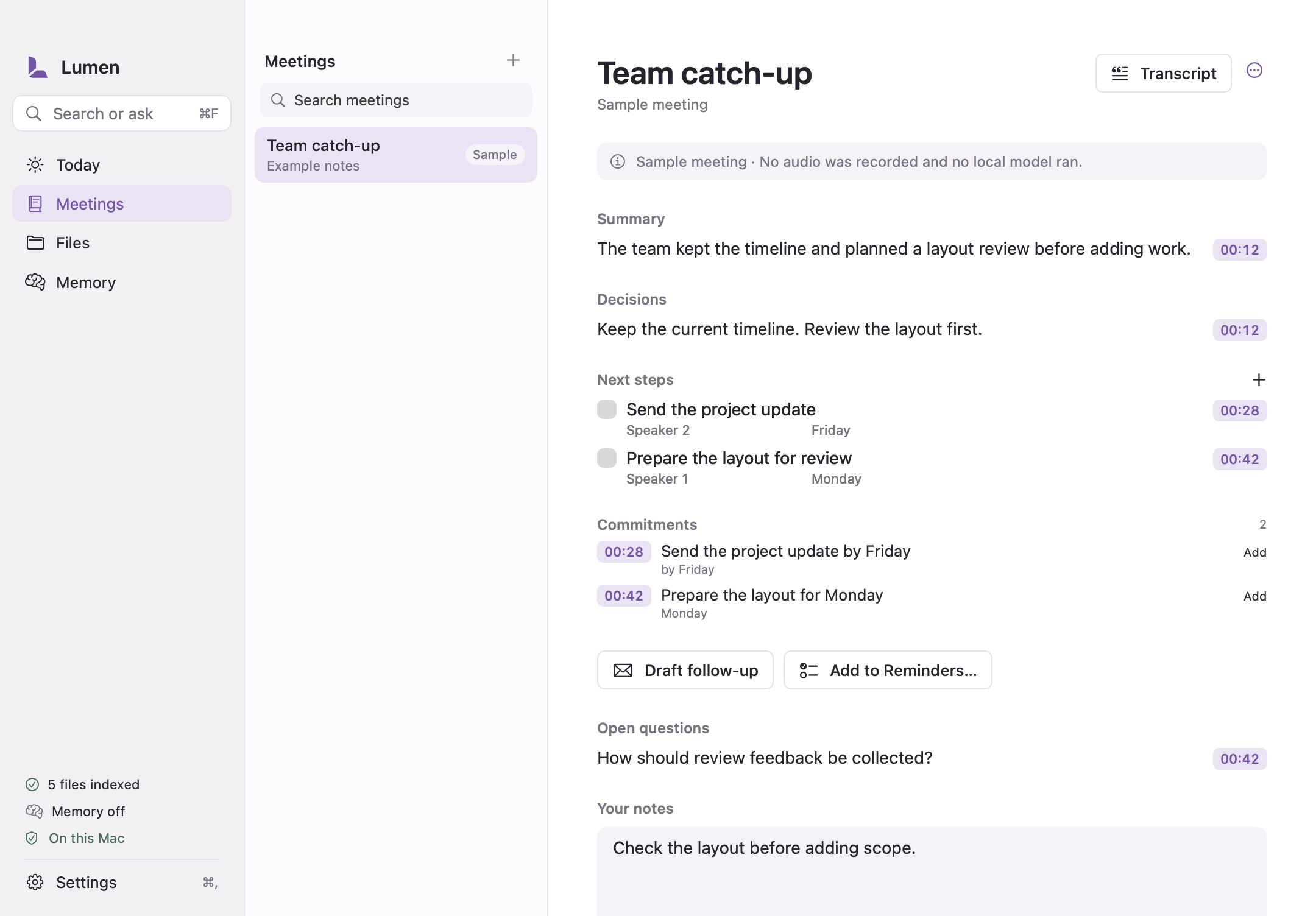
The built-in sample meeting with summary, decisions, next steps, and commitments, each linked to a transcript time.
The built-in sample meeting: no recording or model outputApp views rendered with synthetic data · 18 Oct 2026

This is the sample meeting. It's written example content; no recording or model produced it. Select any time to read what was said. See Meetings and recordings.

Memory and settings#
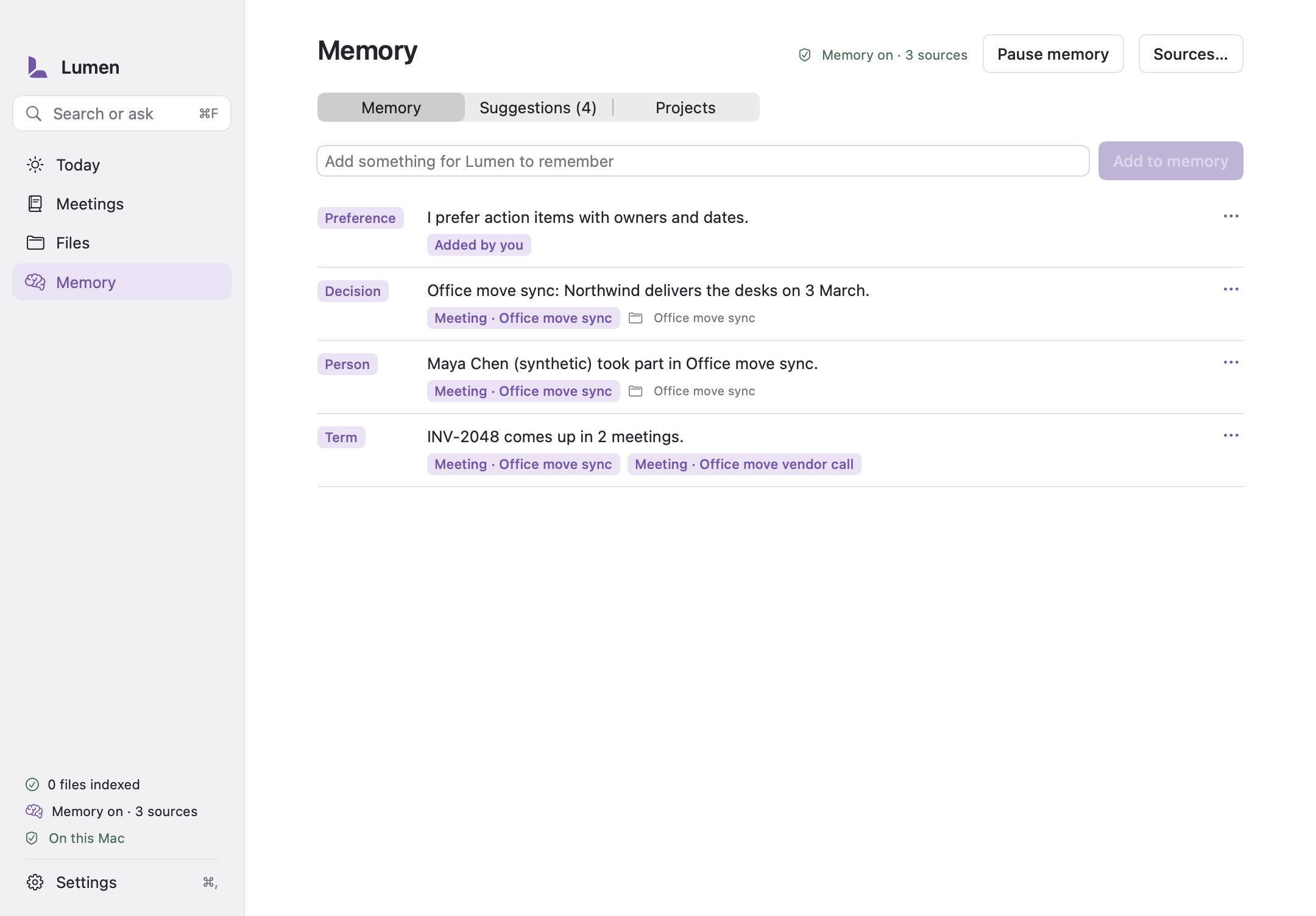
The Memory page listing a preference, a decision, a person, and a term, each with its source. Synthetic data.
Memory, synthetic dataApp views rendered with synthetic data · 18 Oct 2026

Memory lists what Lumen keeps, with where each item came from. Nothing becomes memory until you accept it.
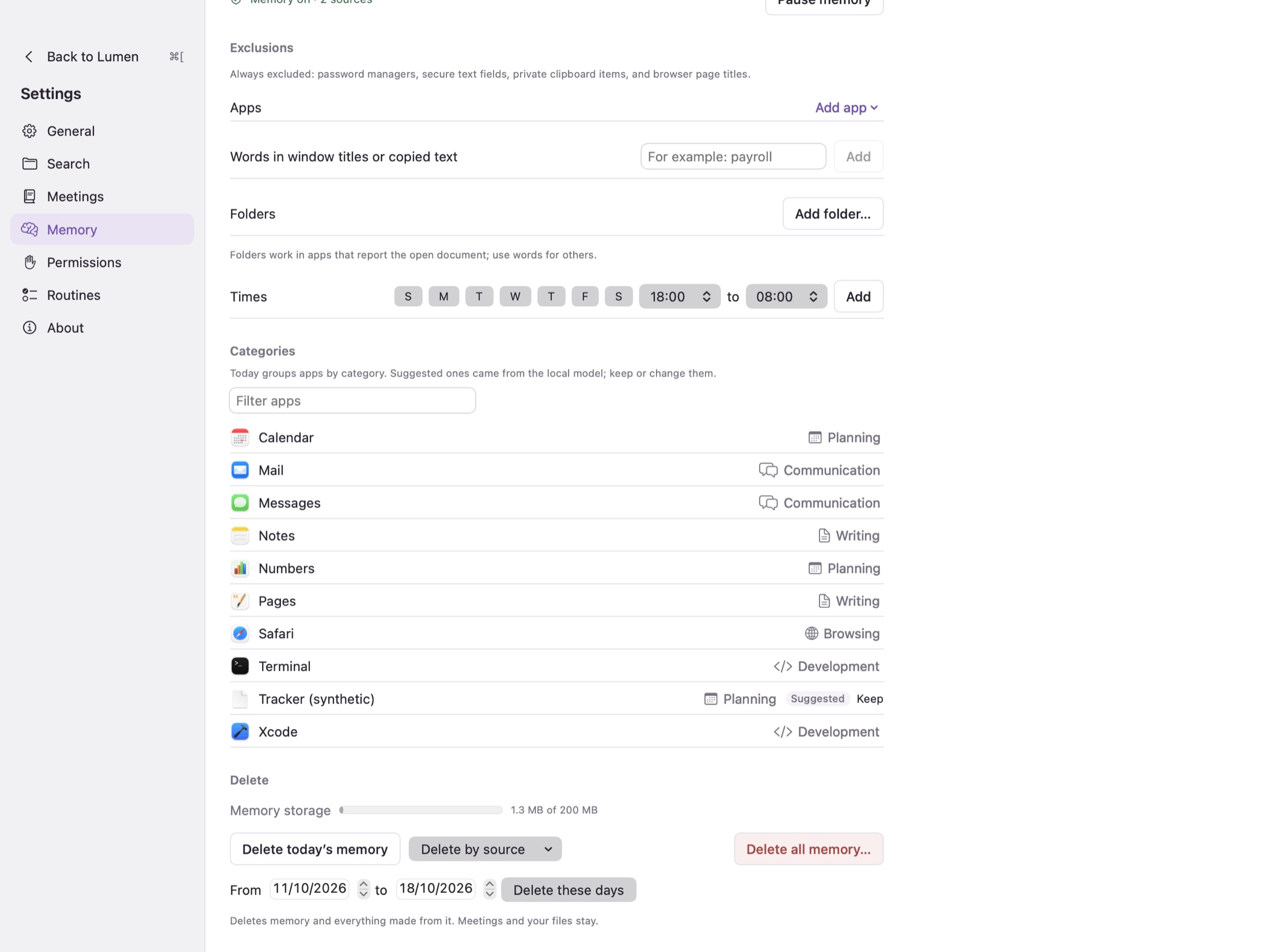
Settings shown inside the main window, with Back to Lumen at the top of the sidebar.
Settings in the main windowApp views rendered with synthetic data · 18 Oct 2026

Settings open inside the main window. Choose Back to Lumen or press ⌘[ to return.

What's next#

By · Documentation updated

Found a problem? Start with troubleshooting.

Search documentation

Start typing to find a guide.

Documentation search runs in your browser. Queries are not sent to a search service.